

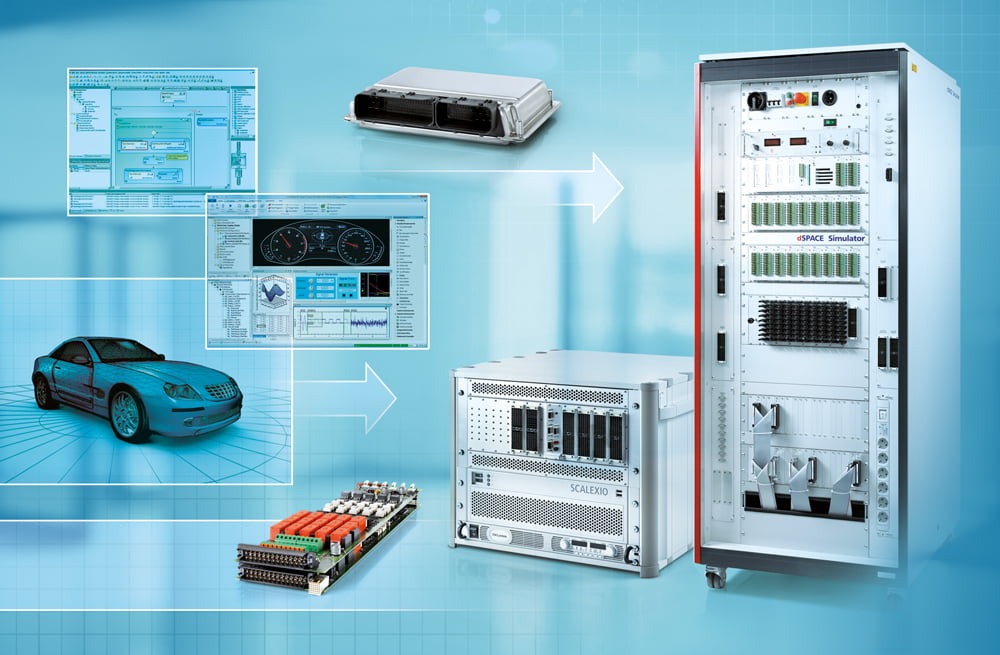
This course introduces you to the main features of CRUDEN prototyping systems and CRUDEN Simulator single-processor systems.
Participants
- Engineers working with rapid prototyping and hardware-in-the-loop (HIL) testing
- Engineers who are new to CRUDEN or who plan to purchase CRUDEN prototyping systems or simulators in the near future
- Recommended: Experience with MATLAB® and Simulink®
Goals
- Set up CRUDEN real-time hardware and corresponding software
- Implement I/O in Simulink®
- Build real-time code with Real-Time Interface
- Change parameters and capture data with ControlDesk®
- Learn advanced features
Tools and Systems
- CRUDEN single-processor hardware
- MATLAB®/Simulink®
- Real-Time Interface
- ControlDesk® Next Generation
Course Contents Basics
- Software/hardware setup
- Introduction to ControlDesk® Next Generation
- ControlDesk® platform management
- Introduction to Real-Time Interface
- I/O implementation with Real-Time Interface
- ControlDesk® project and experiment management
- ControlDesk® instrumentation
Advanced Features
- ControlDesk® basic data acquisition
- ControlDesk® Table Editor and Data Set Management
- Multitasking and interrupt handling
- Programming S-functions
Disclaimer: MATLAB/Simulink/Embedded Coder or any other software should be brought preinstalled by the participants on their own laptops. DynaFusion will only have CRUDEN installations on the training PC’s and other software are not part of the DynaFusion training program.